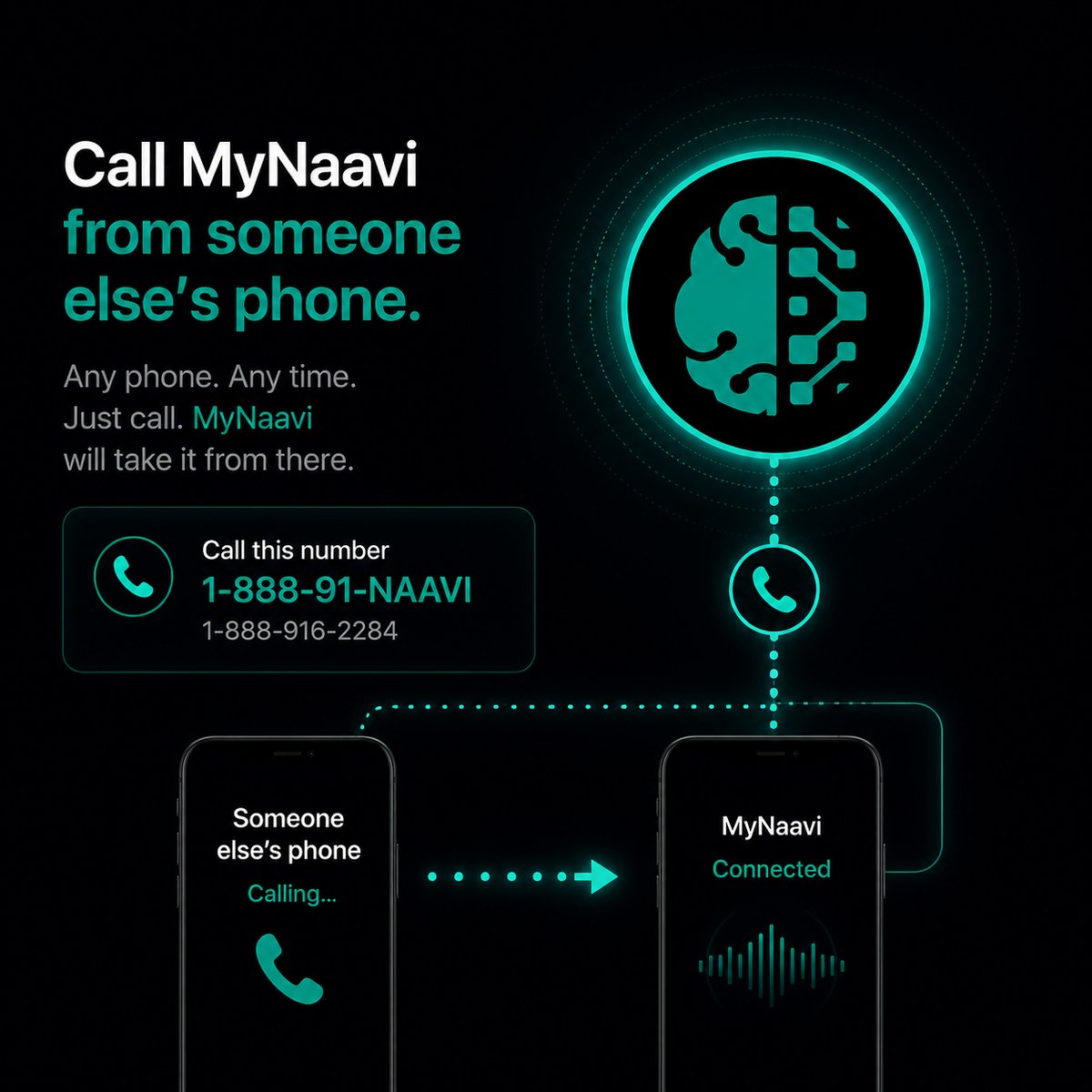
📞  Call MyNaavi from someone else's phone

Set a 4-digit PIN once. Then call MyNaavi from any phone — a borrowed mobile, a hotel landline, your colleague's desk — and Naavi knows it's you. Your full account, your calendar, your contacts, your everything, available wherever you are.

Prefer to listen?
This page, read aloud — about 3 minutes.

1. The one-time setup

Open MyNaavi, tap the microphone, and say:

Set my voice PIN to one-two-three-four.

Pick any four digits only you would know (not your bank PIN). Naavi confirms the digits back and asks yes or no — you say yes, the PIN is stored. That's the setup. Do it once, ever.

You can also set or change it in the app under Settings → Voice PIN if you prefer typing it.

2. Using it from any phone

Once the PIN is set, the flow is the same on every borrowed phone:

Dial the MyNaavi number from any phone.
Naavi says: "This phone isn't registered. Say or enter your four-digit PIN."
You say "one-two-three-four" or punch it on the keypad.
Naavi confirms: "Got it. What can I help with?" — and you're in.

After the PIN, everything works exactly the way it does from your own phone. "Text my wife I'm running 20 minutes late", "walk me through today", "what was the email from the lawyer?" — all of it.

3. When this saves you

1
Your phone died. You're at a meeting / on a trip / out for dinner, the battery is gone, and you need to reach your spouse or push an event. Borrow any phone, call MyNaavi, send the message.
2
You left your phone at home. The classic — out the door without it. Call from a colleague's phone at work, or from the front desk. Naavi answers like normal.
3
Hotel travel. Roaming charges, dead Wi-Fi, or your phone is in the safe upstairs. The hotel landline works. So do borrowed mobiles in the hallway.
4
Phone is in the other room. The minor version — you're cooking, the phone is charging in the bedroom, you remember a thing. Yell to the landline, dial, done.
5
Phone is lost or stolen. The serious version. Until a replacement arrives, the PIN gets you back to your calendar, your contacts, your messages — without losing days of life.
The point of the PIN Without a PIN, MyNaavi recognizes you by your phone number. That's fast and convenient — but it ties you to a specific device. The PIN unties you from the device. Your MyNaavi account stays reachable even when your MyNaavi phone is not.

4. A frictionless alternative: backup phone numbers

For phones you use often — your spouse's phone, the home landline, a work desk number — add them as backup phone numbers under Settings → Phone numbers in the app. MyNaavi recognizes any of those phones the same way as your main one. No PIN prompt at all.

The PIN is the fallback for phones you never planned for — borrowed in the moment, used once. The backup-number list is the plan ahead for the phones you knew you might use.

5. Tips that make this work better

6. If the PIN isn't working

🔧
You forgot the PIN: open the MyNaavi app on your registered phone and reset it under Settings → Voice PIN. The new one is active immediately. Three wrong attempts happened: the call ended. Wait a beat, dial again, try the right one. Naavi doesn't recognize the digits you said: use the dial pad instead — punching the four digits is more reliable than saying them out loud, especially in a noisy place. If none of the above clear things up, contact support and we'll diagnose with you.

Hear the call experience first

The demo line plays a sample conversation so you can hear what the voice line sounds like — no PIN needed (the demo line is open to anyone).

📞 Call 1-888-91-NAAVI
On a computer? Dial 1-888-91-NAAVI on any phone.