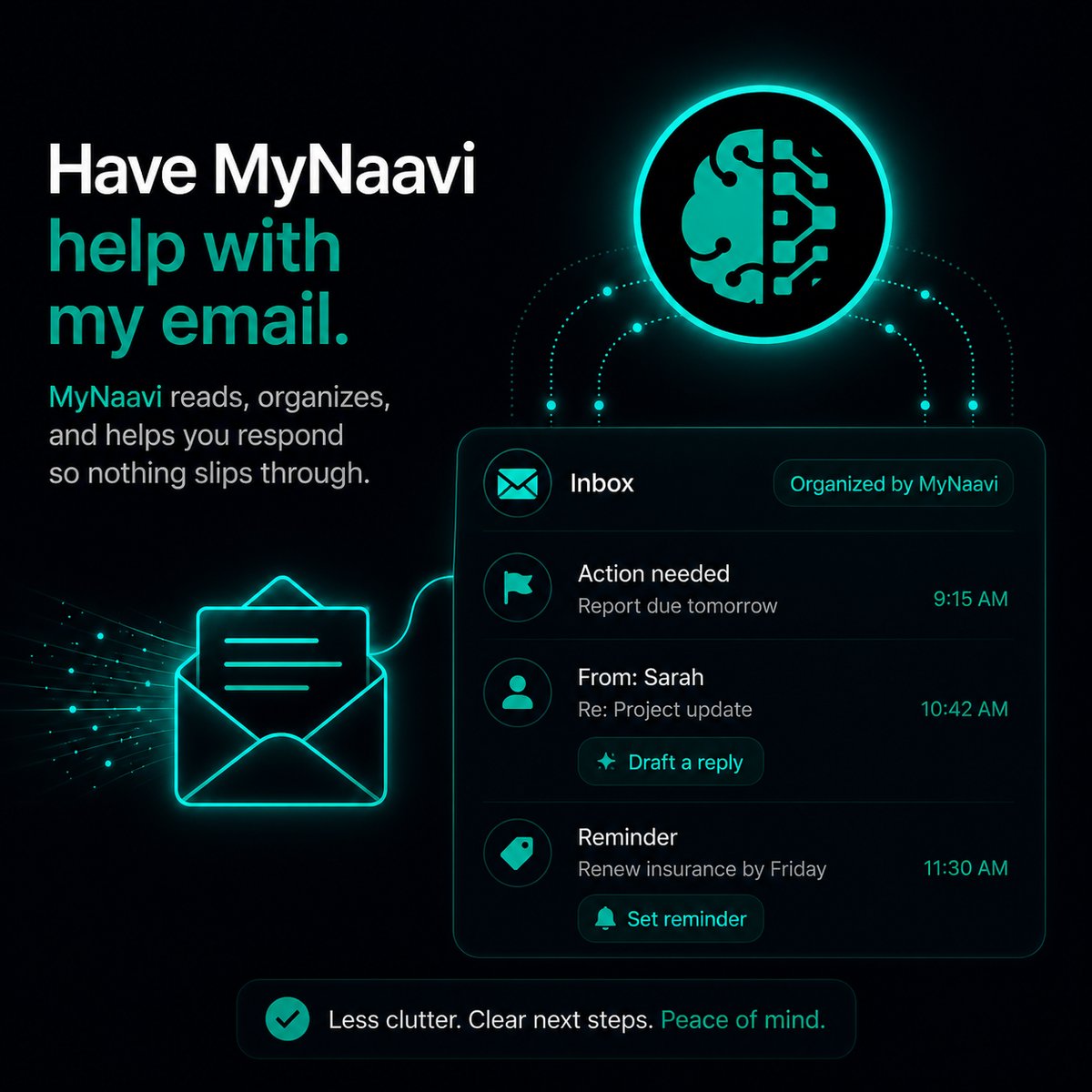
📧  Have MyNaavi help with my email

Ask MyNaavi questions about your email instead of searching through it. MyNaavi reaches inside attachments, extracts totals, and hands back the answer — not a list of links to click through.

Prefer to listen?
This page, read aloud — about 3 minutes.

1. The fastest way

Open the app, tap the microphone, and ask the question you actually have:

How much did Anthropic charge me last month?

MyNaavi searches your Gmail, opens the invoice PDFs, extracts the dollar amounts inside each one, adds them up, and reads back a single number. The thing Gmail's own search cannot do: turn a stack of receipts into an answer.

2. More ways to say it

Anything you would normally have to scroll, open, and read for. Some examples:

Did the Hilton receipt land yet? File it under business expenses.
Find the lease renewal notice — what is the end date?
Summarize this morning's emails. Flag anything I need to act on today.
Draft a reply to Marcus — yes to Tuesday, propose thirty minutes.

A few patterns worth knowing:

3. What happens next

1
MyNaavi reaches your Gmail in real time and pulls the messages that match what you asked — including any that arrived in the last few minutes.
2
For receipts, invoices, contracts, and notices, MyNaavi reads the attached PDFs — both the digital text layer and any scanned-image content (OCR runs automatically).
3
Documents get filed in your Google Drive under MyNaavi → Documents → invoice / receipt / warranty / contract / medical / statement / tax / ticket / notice / calendar. You can always find them later.
4
If your question involves numbers (totals, due dates, expiry dates, amounts owed), MyNaavi extracts and aggregates them — not just shows you the emails.
5
The answer comes back in one breath — by voice if you asked by voice, in chat if you typed. No list of links to click.
Why this beats searching Gmail Gmail search finds emails that contain the word you typed. MyNaavi finds the answer inside the email. The difference is the difference between "here are the seven Anthropic emails from last month" and "Anthropic charged you four hundred and twelve dollars last month."

4. What this actually replaces

Without MyNaavi, the same question is: open Gmail, search, open each result, scroll down to the attachment, download the PDF, open it, find the amount, write it down, repeat, add them up. With MyNaavi, it is one sentence.

Where this matters most Tax season. Expense reports. Renewal-date tracking. Spotting a doubled bill. Anything that requires reading your email, not just finding it. The bigger the inbox, the bigger the difference.

5. Tips that make this work better

6. If MyNaavi cannot find the email

🔧
Most common cause: the Google connection expired and needs to be reconnected — open Settings → Connections in the app and reconnect Google. If the connection is healthy but the email still cannot be found, the message may be in Spam or Trash (Naavi excludes those by design) — check Gmail directly first. If it's still missing, contact support.

Try a question before you install

The demo line plays a canned "did I get a new bill?" scenario that walks through the email-question rhythm.

📞 Call 1-888-91-NAAVI
On a computer? Dial 1-888-91-NAAVI on any phone.