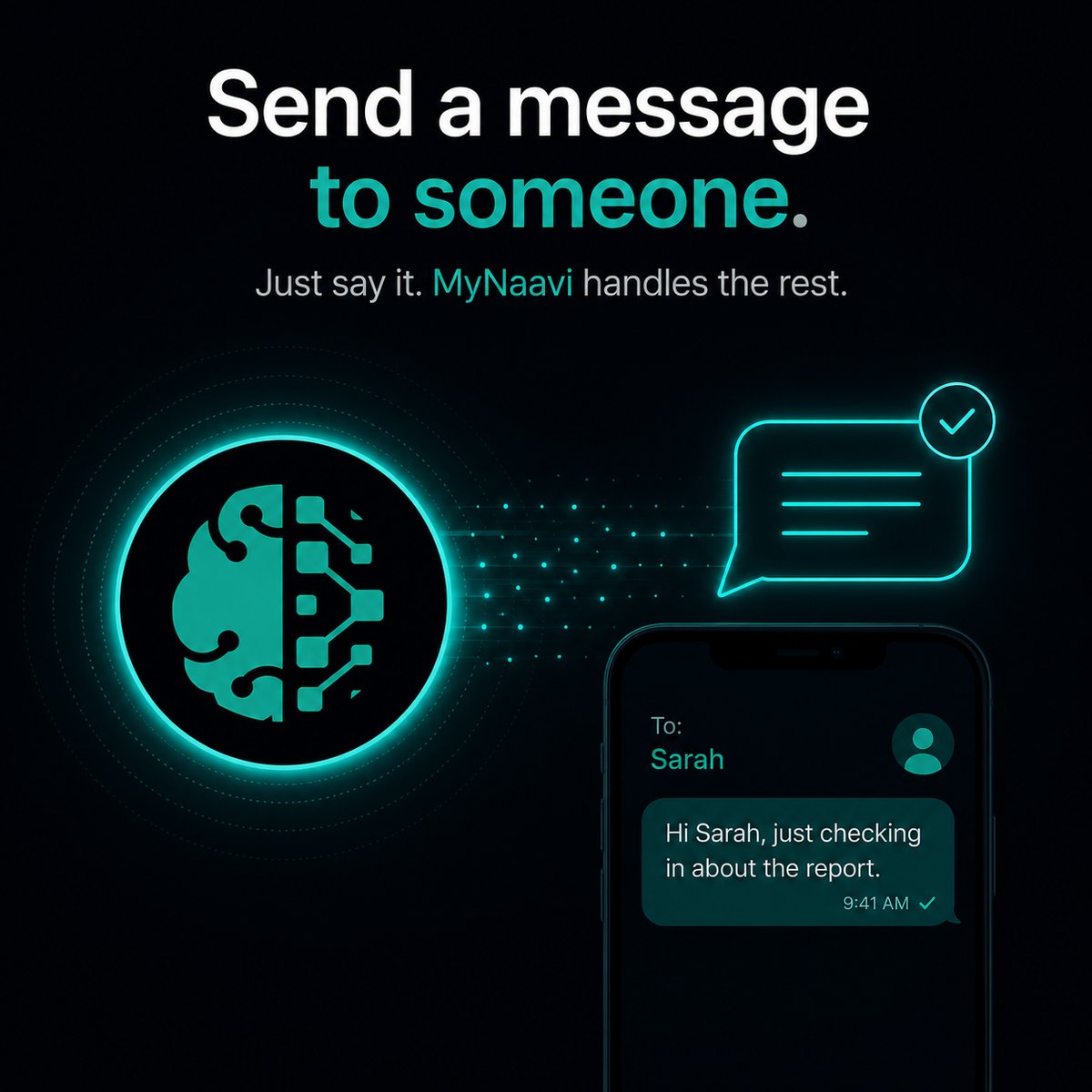
💬  Send a message to someone

Text, WhatsApp, or email anyone in your contacts — in one sentence, hands-free, with a clear yes-or-no confirmation before anything actually sends. No opening apps. No scrolling for the contact. No tiny keyboard.

Prefer to listen?
This page, read aloud — about 3 minutes.

1. The fastest way

Open the app, tap the microphone, and say the whole thing in one breath:

Text Priya I'm running late, I'll be there in 15.

MyNaavi finds Priya in your contacts, drafts the message, reads it back to you, and waits. You say "yes" — the text goes. You say "no" or stay silent — nothing leaves your phone. Naavi never sends anything without your explicit confirmation.

2. More ways to say it

Any channel, any recipient, any wording — the pattern is the same. Some shapes that work:

WhatsApp Marcus that the contract is ready for his signature.
Email Anika a quick summary of today's meeting decisions.
Reply to Theo's last text — yes I'll be there Friday.
Text Diana and Felix that the venue changed to the rooftop.

A few patterns worth knowing:

3. What happens next

1
MyNaavi looks up the recipient in your Google Contacts. If the name is ambiguous (two Marks, three Priyas), MyNaavi asks "which one?" with a short list — you pick.
2
MyNaavi drafts the message in plain language. If you said it casually, the draft sounds casual. If you said it formally, the draft sounds formal. Your voice is preserved.
3
Naavi reads the draft back to you — the recipient, the channel, and the full text — and asks "yes or no?" The whole thing pauses there.
4
You say yes — the message sends. You say no, or "change it to...", and MyNaavi rewrites and reads back the new version. Repeat until you are happy.
5
After the send, MyNaavi keeps a record. Ask later: "what did I text Priya yesterday?" and the answer comes back immediately.
Why the readback matters Voice transcription is good, not perfect. The 1-second pause to hear the draft is the difference between sending the right message and apologizing for an autocorrect typo. Built into every send, by design.

4. What this actually replaces

Without MyNaavi, sending a text means: unlock phone, open Messages, search the contact list, tap, wait for keyboard, type with thumbs, proofread, send. Doable at a desk, dangerous on the road, impossible while carrying groceries. With MyNaavi, it is one sentence and a "yes".

Where this matters most Driving. Walking somewhere with your hands full. In a meeting where you cannot pull out your phone. Late at night when you cannot find your reading glasses. Any moment when looking at the screen is a friction or a risk.

5. Tips that make this work better

6. If the message does not send

🔧
Two common causes: the recipient is not in your Google Contacts (MyNaavi cannot guess at a phone number that isn't stored), or your phone has no cell signal for SMS / no Wi-Fi for WhatsApp/email. If you ever want to verify what was sent, ask MyNaavi "what did I send today?" — every sent message is logged. If a send keeps failing for the same recipient, contact support.

Hear the rhythm before you install

The demo line walks you through the call-and-confirm flow so the yes-or-no rhythm feels familiar by the time you set up the real app.

📞 Call 1-888-91-NAAVI
On a computer? Dial 1-888-91-NAAVI on any phone.