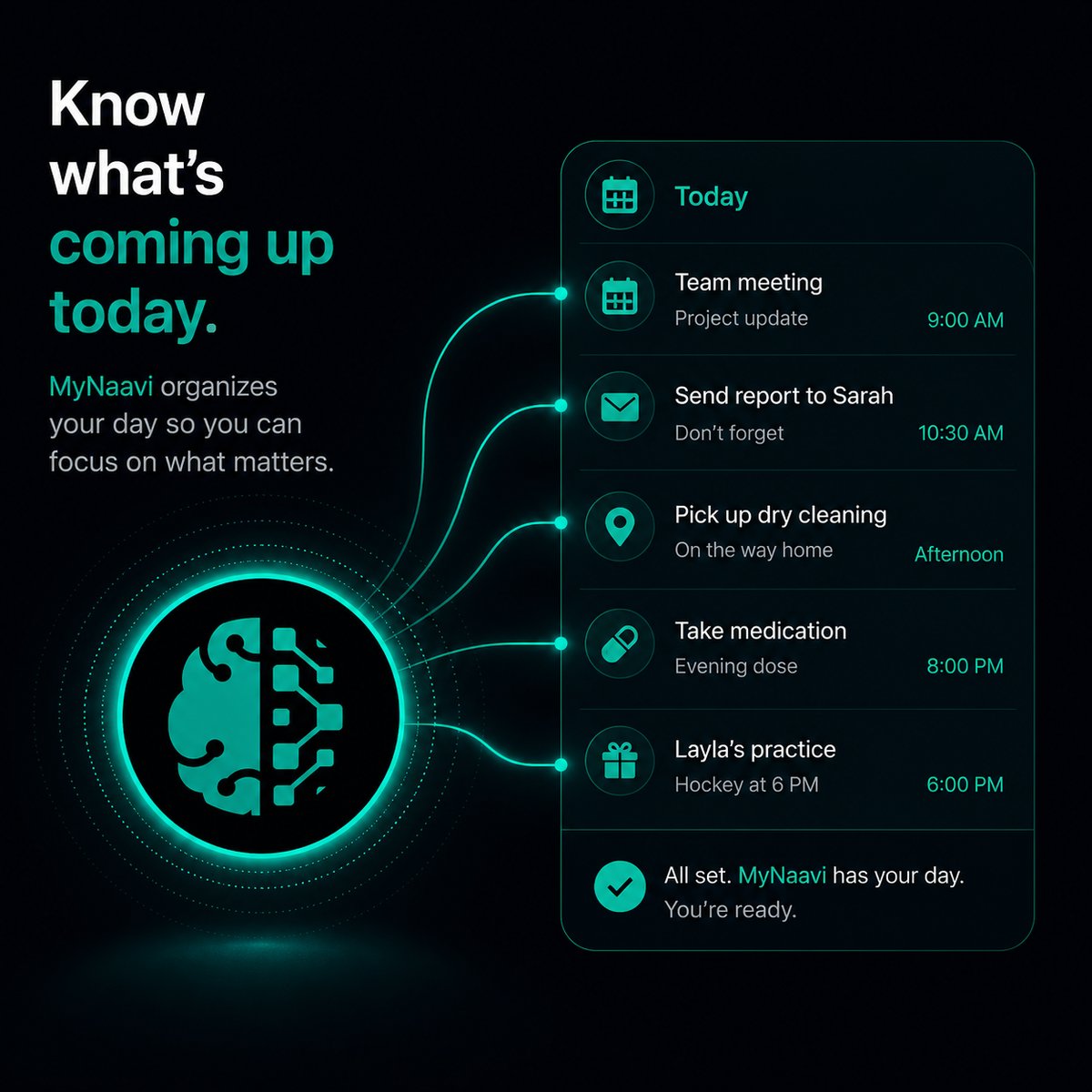
📅  Know what's coming up today

Ask MyNaavi to walk you through your day. Calendar, reminders, important emails, and your own notes — all synthesized into one breath, not four apps. The fastest version of "what do I need to know right now?"

Prefer to listen?
This page, read aloud — about 3 minutes.

1. The fastest way

Open the app, tap the microphone, and say one sentence:

Walk me through today.

MyNaavi assembles your day from four places at once — your Google Calendar, any reminders you set, the emails worth knowing about, and anything you asked MyNaavi to remember that touches today — and reads it back as a single short briefing. Not a list. Not a notification panel. An actual narrative of your next twelve hours.

2. More ways to say it

You can ask for the whole day, a slice of it, or one specific thing. All of these work:

Anything I should know before my 2pm?
Was there anything from the school today?
What did you remind me of yesterday?
What got moved or cancelled?

A few patterns worth knowing:

3. What happens next

1
MyNaavi fetches your Google Calendar live — including any events that were just added or changed in the last few minutes.
2
MyNaavi layers in your reminders due today, the active arrival alerts that might fire, any all-day events on your calendar (holidays, birthdays, conferences, multi-day trips — anything with no clock time attached), and any recurring tasks you asked MyNaavi to remember that fall on this date.
3
MyNaavi scans your email for what's worth knowing about — flagged messages, items requiring action, invoices due, replies to threads you started. Not all of your inbox: just the parts that matter for today.
4
MyNaavi synthesizes everything into a short brief, usually 30 seconds to a minute of speech. The brief is not a robot-meeting-list of every event — MyNaavi summarizes and prioritizes, the way a helpful chief of staff would.
5
The brief is time-aware. Asked at 8am, MyNaavi covers the whole day from now forward. Asked at 4pm, MyNaavi covers the rest of today AND starts including tomorrow morning so you can prep ahead.
Why this beats opening Calendar Calendar shows you events. MyNaavi shows you what matters about them. The dentist appointment at 3pm becomes "dentist at 3 — Bayview at Lawrence, you'll want to leave by 2:25 in this traffic, and the reminder text to confirm went out yesterday with no reply yet." Same event. Different amount of useful information.

4. Get it automatically every morning

You do not have to ask. In the app, open Settings → Morning Brief Call, set a time — say, 7:15am — and MyNaavi calls your phone every weekday morning and reads the brief out loud. By the time you finish brushing your teeth, you know what's coming.

Where this matters most Mornings before the kids are up. The commute (if you take one). The walk between meetings. Any time you want to hear what's next without picking up the phone. The morning call is the simplest version: you do nothing, the day arrives in your ear.

5. Tips that make this work better

6. If the brief is missing something

🔧
Most common cause: the Google connection (Calendar and Gmail) has expired and needs to be reconnected — open Settings → Connections in the app and reconnect Google. If the connection is healthy and the brief still feels light, ask Naavi directly — "what about my dentist appointment?" — to confirm the event is reachable. If it is, the briefing layer just chose to summarize it briefly. If it is not, the Calendar sync is the place to look. Still stuck? Contact support.

Hear a walk-through before you install

The demo line plays a sample "walk me through today" brief so you can hear the rhythm before setting up the morning call.

📞 Call 1-888-91-NAAVI
On a computer? Dial 1-888-91-NAAVI on any phone.