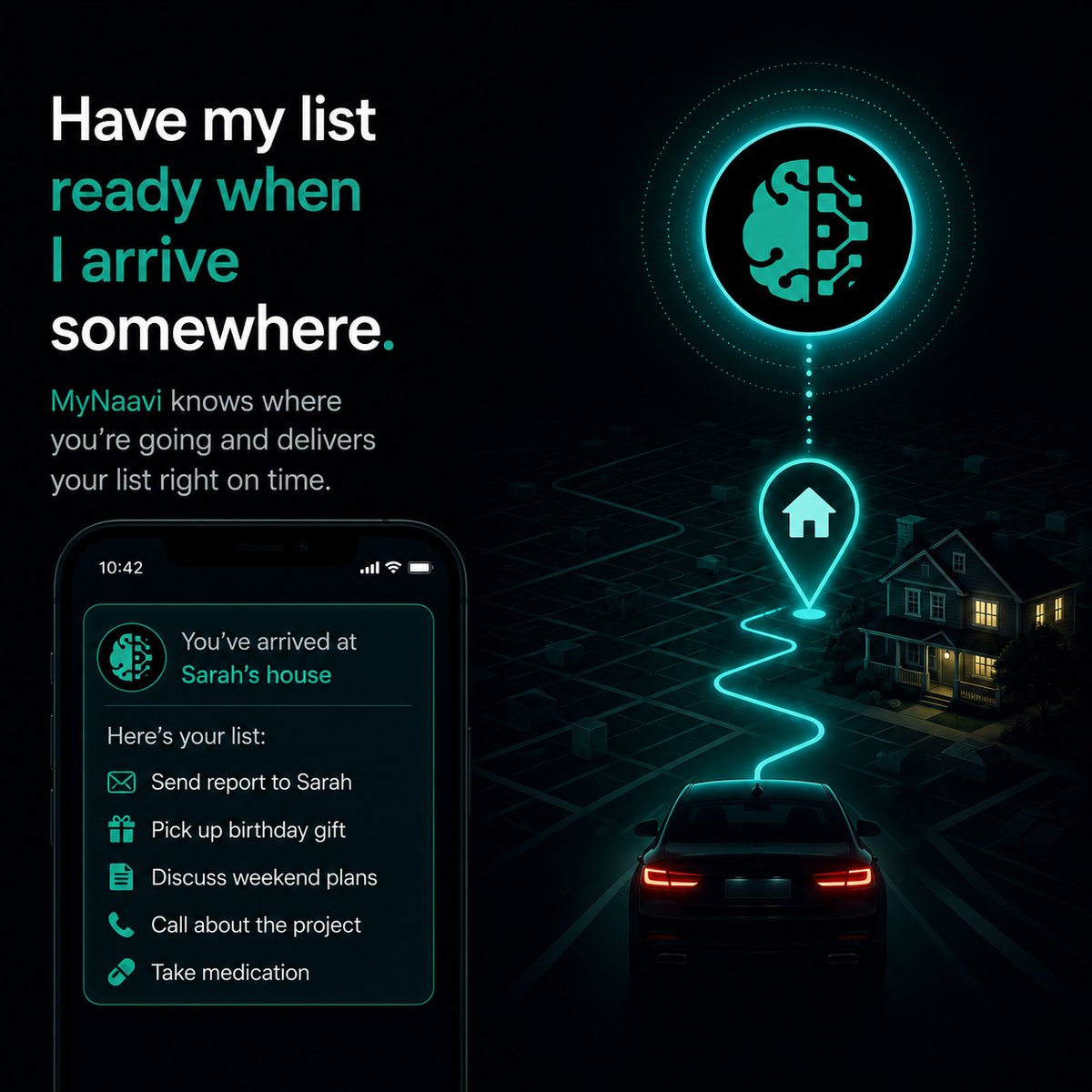
📍📋  Have my list ready when I arrive somewhere

Attach a list of things — items to grab, points to make, warnings to remember — to any arrival alert. When you get to the place, your phone rings and the whole list shows up, ready to read. The work you did at your desk on a Sunday surfaces exactly where it is needed.

Prefer to listen?
This page, read aloud — about 3 minutes.

1. The fastest way

Open the app, tap the microphone, and say one sentence:

When I arrive at the cottage, hand me my cottage-opening list — water heater, dock boards, propane.

That is it. MyNaavi creates the list, sets the alert for the cottage, and connects them. When you pull into the cottage driveway, your phone rings with the list ready to read — no scrolling, no remembering where you saved it.

2. More ways to say it

A list can be groceries, a checklist, talking points for a meeting, or warnings to remember. Any of these work:

Connect my grocery list to the next time I'm at the Loblaws on Bayview.
When I land at YYZ on Friday, give me my arrivals list — passport, car keys at office reception, Uber to hotel.
Make a Marcus warnings list — he gets defensive on revenue projections, lead with the cost side. Surface it when we meet at his office.
If I'm at the office past 6pm, remind me to email Priya the redlined contract.

Two things worth knowing:

3. What happens next

1
MyNaavi shows you a short list of places that match — addresses, business names, distance. You pick the right one.
2
If the list does not exist yet, MyNaavi creates it from the items you mentioned. If a list with that name already exists, the alert is connected to that list — no duplicate.
3
MyNaavi reads the alert and the list back to you and asks yes or no. Say yes to set it.
4
The alert and its list sit linked in the background. You can close the app, edit the list any time, and the connection holds.
5
When you arrive at the place, every channel you've left on in Settings → Alert channels fires together — text, WhatsApp, email, push notification, and a voice call from Naavi — each one carrying the list items spelled out. The voice call reads the list aloud.
Why a list instead of one short reminder A single sentence at the door is gone in two seconds. A list stays open — you can walk through it as you load the car, work the room, or check off items at the store. It is the difference between "don't forget the dock boards" and "here are the eleven things you decided to do at the cottage this weekend."

4. What a list-on-arrival actually replaces

A normal app cannot do this in one step. You would have to: open Notes, write the list, open Maps or a reminder app, set a location alert, type the same list in again, and hope you remember to look at the notes when the alert fires. MyNaavi does the whole chain from one sentence, and the list and the alert stay connected — change one, the other catches up.

Where this matters most Work prep that you do calmly on a Sunday should surface — automatically — when you walk into the room on Tuesday. Decisions made on the drive home should arrive at the front door, not get lost in a notes app. That is the whole point: separate the moment you capture something from the moment you need it. MyNaavi handles the gap between them.

5. Tips that make this work better

6. If the list does not surface when you arrive

🔧
The most common cause is the same as plain arrival alerts: location permission or battery optimization (fix in your phone's Settings → Apps → MyNaavi). If the alert fires but the list is empty, ask MyNaavi "what's on my [name] list?" to confirm the items are saved. If neither helps, contact support.

Try the arrival side before you install

The demo line cannot fully connect a list to a place (that needs your real phone), but it walks you through the arrive-and-be-reminded flow so the rhythm feels familiar.

📞 Call 1-888-91-NAAVI
On a computer? Dial 1-888-91-NAAVI on any phone.