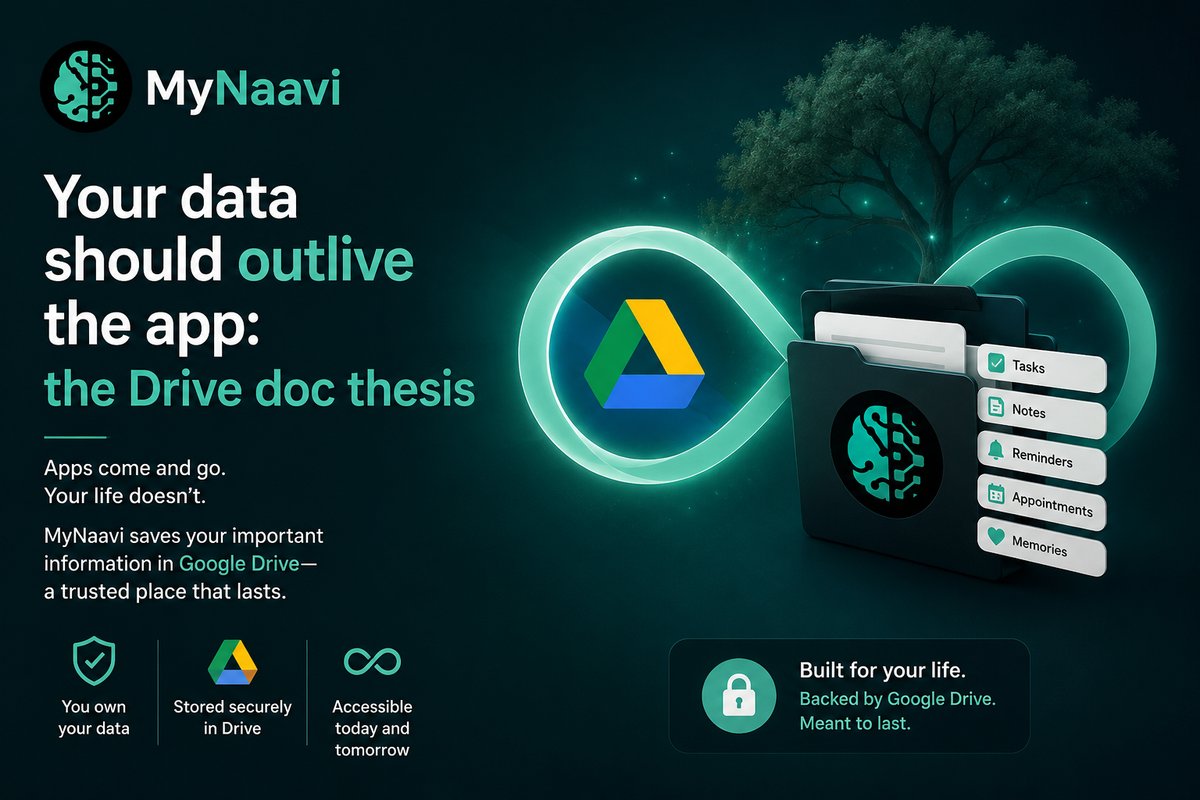
Open any drawer in your house. The things in it belong to you. They survive the drawer. If you remodel the kitchen tomorrow, you move the things; you don't lose them.
Your digital life works the other way around. The things are inside the drawer. If the drawer goes — if the company is acquired, or pivots, or quietly sunsets the product, or just stops opening — the things go with it.
Every productivity app you have ever used has done some version of this. Notes, lists, recordings, photos, transcripts, reminders. They go in. They become hostages to the app that holds them. The day you decide to switch tools, you discover what an "export" really is — usually a JSON dump no human will ever read again.
The architecture that creates the lock-in
It's not malice. It's how SaaS gets built.
When an app stores your data, the easiest thing for its engineers to do is put it in their own database, in a schema that fits how the app thinks. That schema is private to the app. The data isn't really a document — it's a row, joined to other rows, indexed for the app's queries. The app needs that shape to be fast.
The cost shows up later. When you want to leave, that schema doesn't speak to anything else. Your three years of notes are not three years of notes. They are three years of this-app's-rows. The app is the only thing that can read them, and only as long as it exists.
"The app is the orchestra. Your data is the sheet music. The sheet music should not be locked inside the orchestra."
What we built instead
MyNaavi doesn't have a private notes database. No private lists table. No proprietary recordings store.
When you say "remember that the side door key is under the planter," MyNaavi files that as a sentence in a Google Doc — in your Google Drive, in a folder called MyNaavi/ that lives next to all your other files. Not in our database with a copy synced to your Drive. In your Drive. There is no other copy.
When you say "start a shopping list," the list is a Google Doc in MyNaavi/Lists/. Items are lines. The doc has a real Google Drive URL. You can open it in Google Docs on a desktop, share it with your spouse, print it, copy a line out, paste it into a recipe app, search it from drive.google.com. None of that needs MyNaavi running.
When MyNaavi records a doctor's visit, the transcript is a Google Doc in MyNaavi/Transcripts/ — a real file in your Drive, with timestamps, sharing permissions and version history, all properties of Google Drive, not MyNaavi. The recording itself is sent for transcription and is not kept: the words are what you keep, and they are yours.
What this means in practice
If MyNaavi disappeared tomorrow, your data would not disappear with it. You would log into Google Drive and see every note, every list, every transcript, every receipt sitting exactly where MyNaavi left it. Readable. Editable. Yours.
That is a strong claim, so let us make it concrete. If you cancel MyNaavi today — uninstall the app, revoke our Google permission, never come back — here is what you keep:
You keep every note in plain prose. You keep every list as a Doc you can edit by hand. You keep every transcript of every conversation MyNaavi recorded for you, with full text. You keep every receipt and document MyNaavi pulled from your inbox and filed by type. You keep the entire timeline of everything MyNaavi ever did on your behalf, in a folder structure a six-year-old could navigate.
The only thing you lose is the orchestra — the thing that knew how to play the sheet music back to you on demand. The sheet music itself stays.
Why we did it this way
Three reasons, in increasing order of importance.
The first is reliability. Google Drive's storage layer has been operating at higher uptime than any startup-scale database we could ever build. Trusting Google with the bytes is a better engineering decision than trusting ourselves.
The second is interoperability. Because the data is in Google's own document formats, every tool that already understands Drive — Gmail searches it, Google Calendar references it, Google Search indexes it, the OS file managers see it — just works. We don't need to build a hundred integrations. We let the documents do their job.
The third — and this is the one that matters most — is what we owe the people who use this.
If you're going to talk to MyNaavi about your medications, your children, your finances, your grief, your routines, your fears, your wins — and you should, because that is what makes the system useful — then you should not also be wagering that all of that will exist tomorrow if our funding round goes badly. That is not a wager anyone should have to make.
The bet behind the choice
Building this way is harder for us. We can't optimize storage as aggressively. We can't build features that depend on schemas we control. We have to ride Google's API quotas and outages. Every advantage of owning the data layer — and there are many — we have deliberately given up.
The bet is that the people who choose MyNaavi will be the ones who notice the difference. Who have switched productivity tools enough times to know what a lock-in feels like. Who, given a choice between a system that owns their life and a system that hands it back to them, will choose the second.
That's the thesis. The app is the orchestra. The Drive is the sheet music. The sheet music belongs to you.
Your data, in your Drive. Always.
Call the demo line — 1-888-91-NAAVI — from any phone.
No app, no account, no setup.
See it for yourself. Install MyNaavi from Google Play, sign in with Google, ask it to remember something, and watch it land in MyNaavi/ in your own Drive.