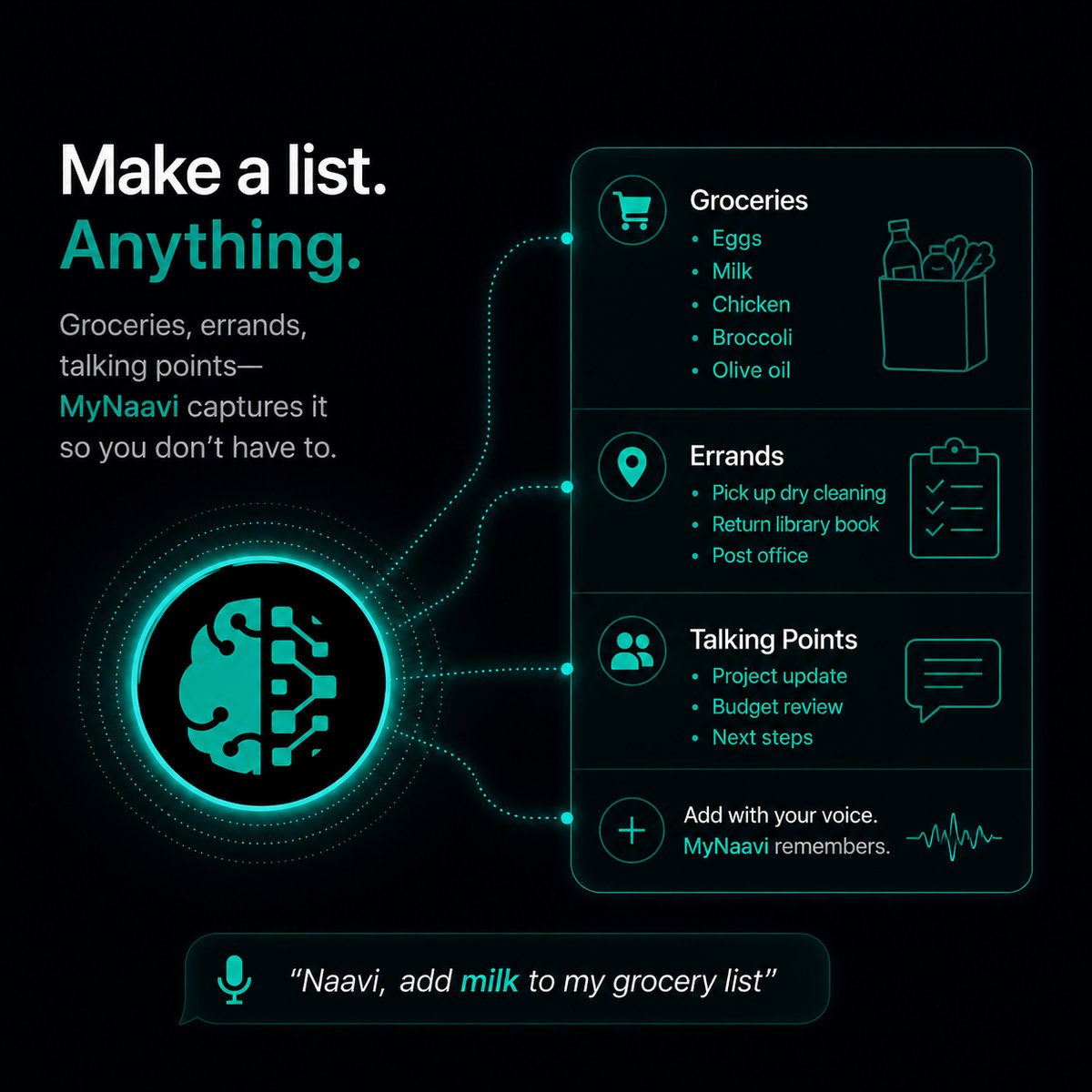
📝  Make a list (groceries, errands, talking points…)

Capture a list in one breath — items to grab, points to make, warnings to remember, prep for a meeting. MyNaavi files it, lets you add to it later, and can surface it exactly when it matters. The lists are first-class — they can be tied to alerts, meetings, or just sit ready for when you ask.

Prefer to listen?
This page, read aloud — about 3 minutes.

1. The fastest way

Open the app, tap the microphone, and dictate the whole list in one breath:

Make a list of critical points for the Q3 kickoff: revenue first, hiring plan, risk register, ask for budget.

MyNaavi creates a list named "Q3 kickoff", parses out the four bullet items, files it, and reads back the result for confirmation. You can add to it any time ("add 'cross-team dependencies' to the Q3 kickoff list") and view it anytime via three-dot menu → Lists.

2. More ways to say it

A list can be a grocery list, a person-specific warning list, a meeting prep deck, or a recurring task set. All of these work:

Add to my Marcus list: he gets defensive on revenue projections, lead with the cost side first.
Add wine, batteries, and a birthday card to my shopping list.
Remember my weakest points. Surface them before any meeting today.
Connect my Tuesday-prep list to the Tuesday three PM with Marcus.

A few patterns worth knowing:

3. What happens next

1
MyNaavi parses your sentence into a list name and the individual items. The parser is good at this — multi-item dictation with commas, "and", or numbered phrasing all work.
2
MyNaavi reads back the list and asks yes or no. You confirm or correct. "No, change 'batteries' to 'double-A batteries'" works without restarting.
3
The list is saved as a first-class object — it has a name, a category if the topic is clear (shopping, prep, warnings, errands), and it lives in three-dot menu → Lists. You can view it, edit it, or share it any time.
4
You can add to it, remove from it, rename it, or check items off by voice or chat at any moment. The list adapts as your week does — no need to open the app and edit fields.
5
You can connect it to an alert or a calendar event. The connection is dynamic — if you add an item to the list later, the next time the alert fires, the new item is there. The list and the alert stay in sync.
Lists vs single reminders A single reminder fires once and dies. A list persists, grows, shrinks, and can be surfaced in many contexts over time. The same "cottage-opening" list serves spring AND fall trips. The same "warnings about Marcus" list surfaces at his office AND before his calls. One list, many moments.

4. What lists actually replace

Without MyNaavi: a notes app, a separate grocery app, a sticky note on the steering wheel, mental clutter ("I should remember to mention…"), and the constant low-grade worry that you forgot a thing. With MyNaavi: lists you trust, lists that find you, lists that hold what your brain does not need to.

The work-prep use case Sunday afternoon, you think through next week's meetings. You dictate four lists — one per recurring tough conversation. By the time the meeting starts on Tuesday, the relevant list is already in front of you (via the calendar-event connection). You did the thinking calmly on Sunday; MyNaavi delivers it Tuesday morning. The two moments stay linked.

5. Tips that make this work better

6. If the list did not save

🔧
Open three-dot menu → Lists in the app first to confirm the list is there. If it is missing, Naavi may not have heard the "make a list" framing — try again starting with the words "make a list of…" or "add to my … list". If items are missing, the dictation parser may have grouped them into one item; ask Naavi to "split that into separate items" or re-add them one at a time. If the list still won't save, contact support.

Try the list-on-arrival before you install

The demo line plays an arrival scenario that uses a list — same rhythm as the recipes above.

📞 Call 1-888-91-NAAVI
On a computer? Dial 1-888-91-NAAVI on any phone.